Resend · Support email
Send support replies from your Resend domain.
Add your Resend API key and a verified From address. When your team replies, the customer sees mail from support@yourcompany.com — not a Userscom address. Their reply still lands on the same ticket.
Verified domain required · Key stored per workspace · No credit card
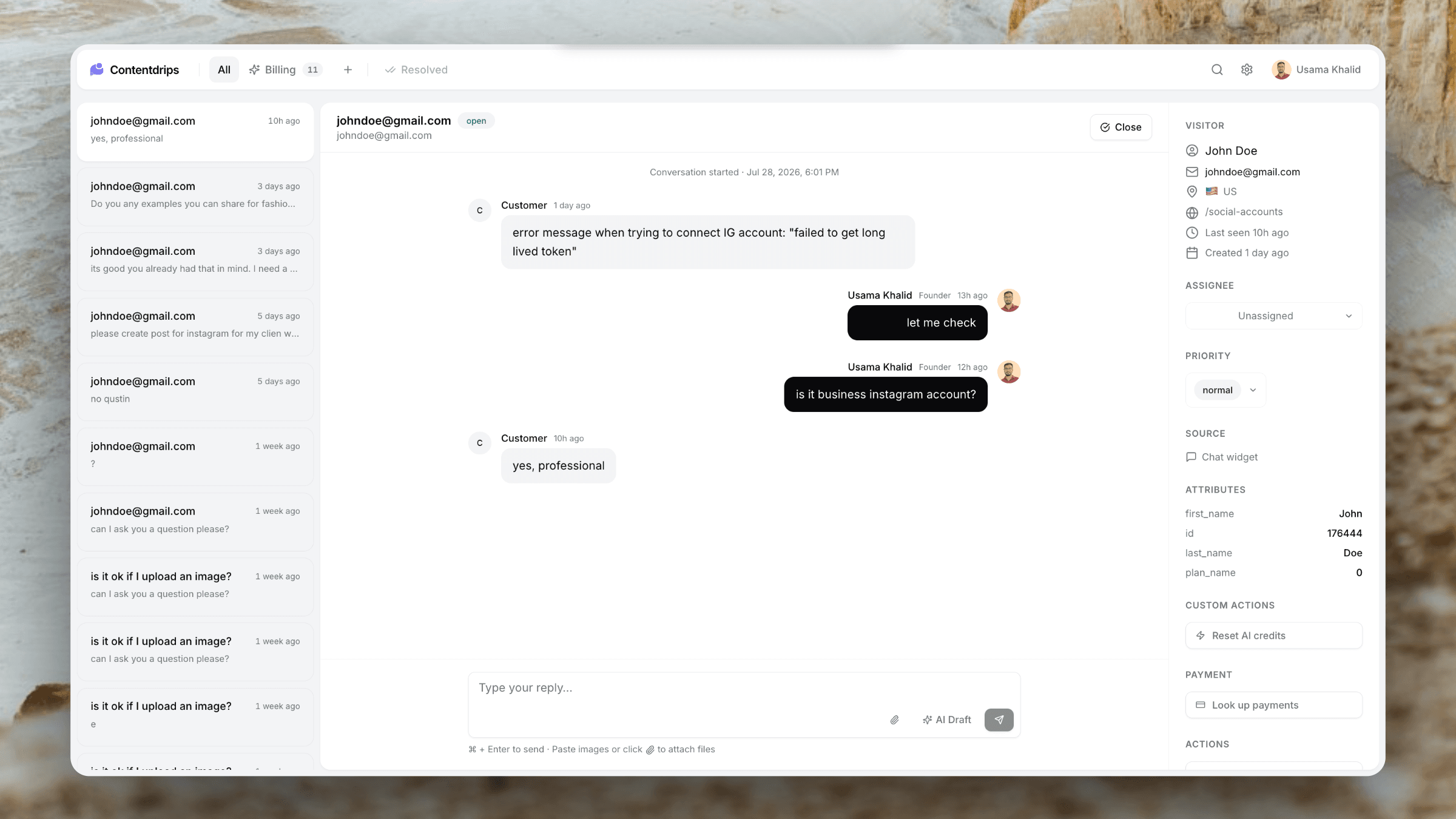
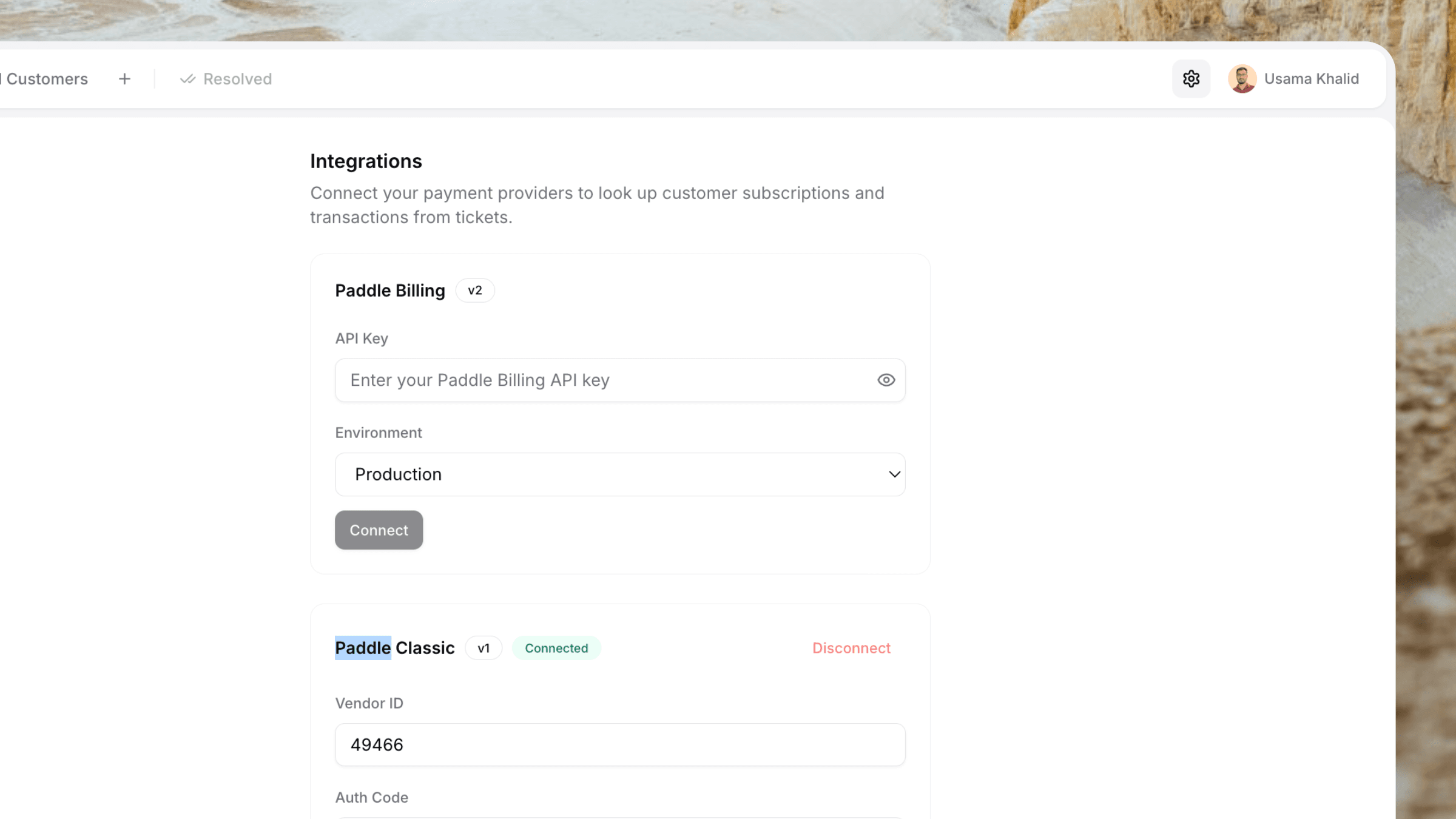
Also in the integrations family: Stripe · Paddle · email ticketing
The workflow
Your brand in the From field. Our inbox for replies.
Resend only replaces the outbound sender. Threading, assignment, and AI stay in Userscom.
Paste your Resend key
In Settings → Integrations, add the API key and a From address. We confirm the domain is verified in your Resend account before saving.
Reply from the ticket
An agent answers an email or chat ticket. Userscom sends the customer notification through Resend from your address.
Customer hits reply
Reply-To is still slug+ticket@on.userscom.com. The email worker attaches their message to the same conversation.
Capabilities
Support mail that looks like it came from you.
Your From address
Use support@yourcompany.com or any address on a domain you have verified in Resend. Optional From name defaults to your organisation.
Email and chat tickets
Agent replies on email tickets and visitor notifications on chat tickets both send through Resend once it is connected.
Threaded replies stay intact
Customers reply in their inbox. Userscom inbound email maps that message back to the ticket. No extra mailbox to watch.
Automatic fallback
If Resend is disconnected or a send fails, the same notification goes out via Userscom’s Cloudflare sender so nothing is dropped.
Verified before save
Connect only succeeds when the API key is valid and the From domain status in Resend is verified. Disconnect clears the key.
Admin-only credentials
Owners and admins manage the key. It is stored per organisation and shown masked after save — same pattern as Stripe.
How it looks
Customers see your domain. You still own the thread.
The inbox preview is yours. Deliverability follows the SPF, DKIM, and DMARC you already set up in Resend. Userscom never asks you to move DNS to us for outbound brand mail.
- From: your verified Resend address
- Reply-To: Userscom inbound support address
- Subject and body stay the existing ticket templates
- Works next to Stripe and Paddle in Settings
Customer inbox
Re: Billing question
From Maya via Acme · support@acme.com
Reply goes to acme+t_8f2k@on.userscom.com
Setup
Connect Resend in under two minutes.
- 1
Verify your sending domain in the Resend dashboard (SPF, DKIM, DMARC).
- 2
Copy a Resend API key from Resend → API Keys.
- 3
In Userscom, open Settings → Integrations → Resend.
- 4
Paste the key, enter a From address on that verified domain, optionally set a From name, and click Connect.
Plus everything else
Resend sits inside a full support stack.
Email Ticketing
Inbound mail becomes tickets. Resend only changes who sends the reply.
Live Chat
Chat replies can email the visitor from your Resend domain.
AI Draft Replies
Draft in Userscom, send, and let Resend deliver the mail.
Shared Team Inbox
One workspace inbox. Your brand on the customer-facing email.
Stripe & Paddle
Refund in the ticket, then email the customer from your domain.
Custom Actions
Fix the account from the sidebar, then send the branded reply.
Why helpdesks need a Resend integration
Customers decide whether to trust a support reply in the first second they see the sender. Mail from hello@notify.your-vendor.com looks like a platform notification. Mail from support@yourcompany.com looks like you. If you already send product and billing mail through Resend, support should use the same domain and reputation.
Most helpdesks either lock you to their sending domain or ask you to point MX at them and give up your existing email stack. The Userscom Resend integration does neither. You keep DNS and deliverability in Resend. Userscom keeps the ticket, the agent workspace, and the inbound Reply-To so a customer response is not lost in a shared Gmail inbox.
That split is what indie SaaS teams actually want: branded outbound mail, a real shared inbox, and no second tab to “check if they emailed back.” Connect the key once. Every agent reply after that sends from your domain.
Userscom also includes live chat, AI ticket organisation, AI draft replies, and native Stripe and Paddle actions. Resend is the email-sending piece — not a separate product you glue on with Zapier.
Frequently asked questions
An admin adds a Resend API key and a verified From address in Settings → Integrations. When an agent replies to a customer, Userscom sends that notification through Resend so it comes from support@yourcompany.com — not a Userscom address.
Yes. The From address is yours. Reply-To stays on the Userscom inbound domain (slug+ticket@on.userscom.com), so a customer hitting reply still opens or updates the same ticket.
Customer-facing support mail: agent replies on email tickets, and the “you have a new reply” notification on chat tickets. Invites, password resets, and owner alerts stay on Userscom’s own sending domain.
Yes. Resend will reject mail from an unverified domain. Userscom checks GET /domains on connect and only saves the key when that From domain status is verified in your Resend account.
The same message falls back to Cloudflare Email Sending from the Userscom notify address so the customer still gets the reply. Threading is unchanged.
Owners and admins only. The key is stored per organisation, returned masked in the dashboard, and never sent to the browser after save.
Yes. From name is optional and defaults to your organisation name. The From address is required, for example support@yourcompany.com.
Resend only changes who sends the outbound mail. Inbound replies and new email tickets still use your Userscom support address so conversations stay in one inbox.
Send the next support reply from your domain.
Connect Resend, keep inbound threading in Userscom, and stop asking customers to trust a vendor From address.
Resend + Stripe + Paddle · Flat team pricing · Free plan available