Free HTML templates
Contact form HTML! copy, paste, done
Five ready-made contact form templates for any website. No backend, no server setup. Point the form at Userscom and every submission becomes a trackable ticket you can actually reply to.
No credit card · 20 submissions/month free · 2-minute setup
The problem: your form sends email — nothing else
You add a contact form to your website. Someone fills it out. You get an email. That's the whole flow. No reply tracking. No thread. No way to assign it to a teammate. If you forget to reply, there's no reminder. If two people respond, there's no coordination.
Most form backends (or the mailto: trick) were designed for a world where email was the only option. For anyone running a real business — a photography studio, a real estate agent, a service agency — that's no longer enough.
Sound familiar?
- Forms just send email — no way to reply in context
- Extra fields (phone, budget, date) buried in a wall of text
- No idea which leads you already responded to
- Team = forwarding messy email threads
- Spam submissions waste your time daily
5 ready-made templates
Pick a template, preview the form, copy the HTML — done.
Simple name, email, and message. Works for any website.
Replace YOUR_ORG_ID with your real endpoint. Sign up free →
Use AI to build a custom design
Pick a style, copy the prompt, paste it into Claude or ChatGPT. The AI generates a complete form with that design — you just swap in your Userscom endpoint.
Modern minimal
White card, clean inputs, generous spacing. Works with any brand color.
Prompt
Create a modern minimalist HTML contact form with name, email, and message fields. Use a clean design: white background, subtle box-shadow card, 8px border-radius inputs, #6366f1 submit button. Include proper aria-labels and HTML5 validation. Self-contained (inline CSS), responsive, mobile-friendly. Set action="https://api.userscom.com/forms/submit/YOUR_ORG_ID" and method="POST".
After the AI generates your form:
action="" in the <form> tagmethod="POST" is setDon't have an endpoint yet? Sign up free →
From form to conversation in 2 minutes
Copy a template or generate one with AI
Pick from the five templates above, or use an AI prompt to create a custom design. Click "Copy HTML" to get the code.
Paste it into your website
Works everywhere — WordPress, Webflow, Squarespace, raw HTML, React, Next.js. If you can add HTML to a page, you're done.
Point the form action to Userscom
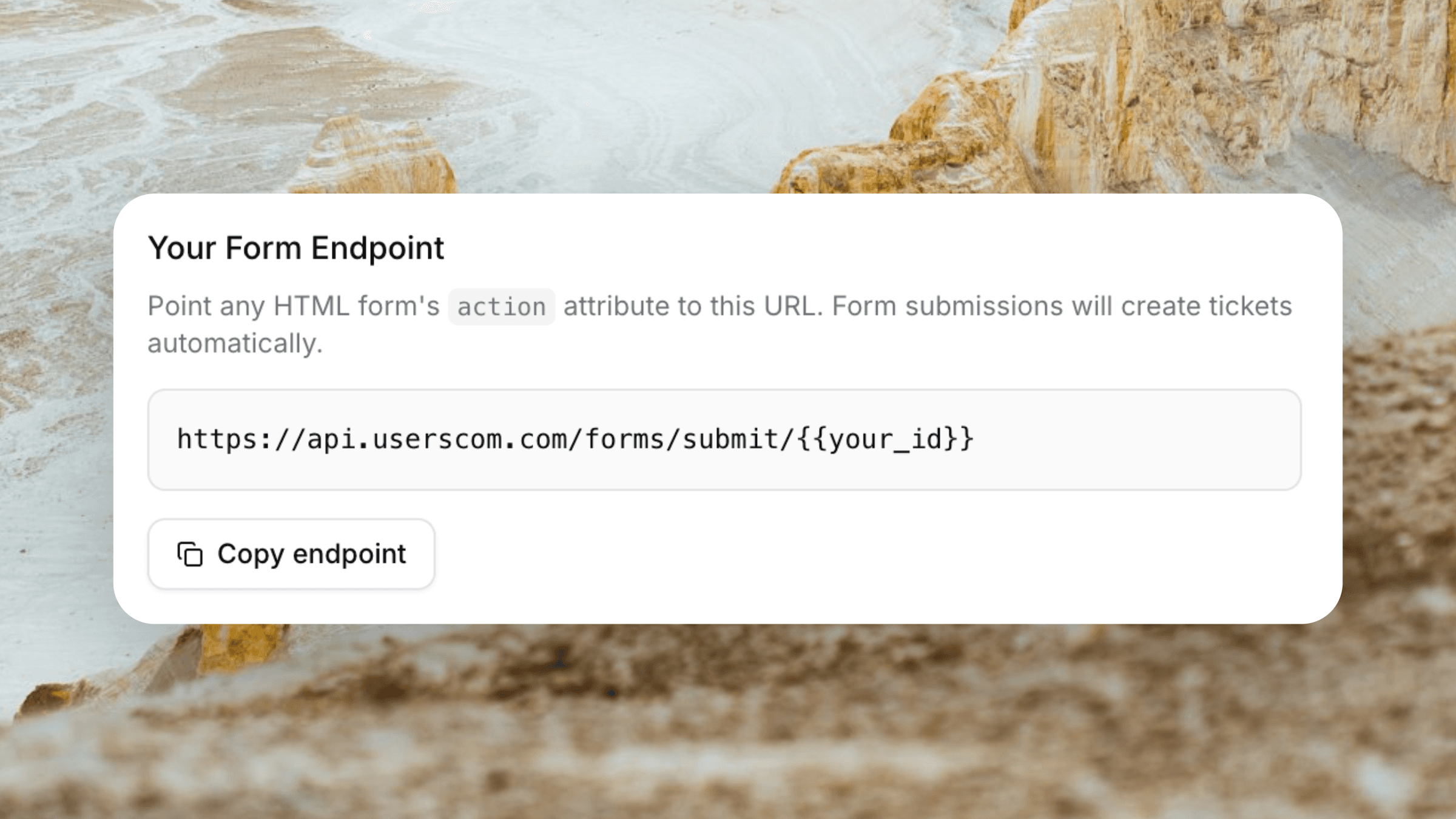
The templates already include your endpoint. If you built a custom form, just set the action URL:
<form action="https://api.userscom.com/forms/submit/YOUR_ORG_ID" method="POST">Every submission becomes a ticket
You get notified by email. Open the ticket in Userscom — all fields (phone, budget, date) are in the sidebar. Reply from the dashboard or by email. The thread stays in one place.
Frequently asked questions
No. Just copy the HTML, paste it on any page, and submissions go directly to Userscom. We handle all the backend: validation, storage, email notifications, and spam filtering.
A ticket is created in your Userscom inbox. You get an email alert. All form fields (phone, budget, date — anything you include) are captured and shown in the ticket sidebar. You can reply from the dashboard or directly from your email, and the conversation threads back.
Yes. Any field name you include in the HTML (property_address, preferred_date, company_size, etc.) is automatically captured and displayed in the sidebar. There are no restrictions on field names.
Any. WordPress, Webflow, Squarespace, Wix, Framer, Shopify, custom HTML, React, Next.js — if you can add HTML to a page, you can use a Userscom form.
Yes. The free plan includes 20 form submissions per month — no credit card required. Paid plans start at $20/month for more volume and team features.
Formspree sends you an email. That's it. Userscom turns every submission into a trackable ticket with full conversation history. You can reply, assign to teammates, snooze for follow-up, and close when resolved. It's a complete inbox, not just a notification.
Stop losing leads in your inbox
Turn every contact form submission into a trackable conversation. Try Userscom free.
20 submissions/month free · No credit card required